1. Reading from the console, System.in
In previous lectures, we learned how to print to the screen. To do this, we used the System.out object and its print() and println() methods. Simple and convenient.
But as you probably suspect, output alone isn’t enough. The goal of most programs is to do something useful for the user. Therefore, it’s very often necessary to let the user enter data from the keyboard.
As with output, there’s also a special object for input—System.in. Unfortunately for us, it isn’t as convenient as we’d like. This object can read data from the keyboard, but only one character at a time.
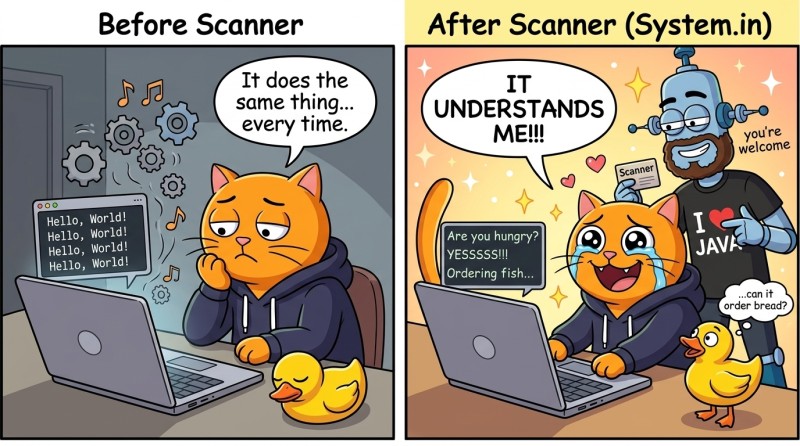
So we’ll use another class that, together with the System.in object, will give us everything we need. Java has long had classes for all occasions. We’ll get to know one of them now.
2. The Scanner class
The Scanner class (fully qualified name java.util.Scanner) can read data from various sources: console, files, the internet. If we want it to read data from the keyboard, we must pass the System.in object as a parameter—the data source. The Scanner object will then figure out what to do with it.
Reading from the keyboard using a Scanner object will look roughly like this:

| Code | Explanation |
|---|---|
|
We create a Scanner object. We read a line of text from the keyboard. We read a number from the keyboard. |
Looks simple enough, but is it really that simple?
I bet you have a bunch of questions, and now we’ll answer them.
But first, let’s show a complete program that uses the Scanner class:
void main()
{
Scanner console = new Scanner(System.in);
String name = console.nextLine();
int age = console.nextInt();
System.out.println("Name: " + name);
System.out.println("Age: " + age);
}
3. Creating a Scanner object
The first question—what is this line Scanner console = new Scanner(System.in);?
A line like this can be confusing; however, you’ll encounter similar things all the time. So it’s time to explain what it says.
Let’s recall how we usually create a text variable:
String str = "text";
First we write the variable type (String), then its name (str), and finally, after the equals sign, we write the value.
In our “strange” line, it’s actually the same idea:
Scanner console = new Scanner(System.in);
Everything to the left of the equals sign is the declaration of a variable of type Scanner named console. We could have named it, for example, s or scanner, or even keyboard. Then the code would look like this:
Scanner s = new Scanner(System.in);
String name = s.nextLine();
int age = s.nextInt();
Scanner scanner = new Scanner(System.in);
String name = scanner.nextLine();
int age = scanner.nextInt();
Scanner keyboard = new Scanner(System.in);
String name = keyboard.nextLine();
int age = keyboard.nextInt();
I think it’s much clearer now.
The code on the right side of the equals sign is a bit more complicated. I mean new Scanner(System.in); But there’s nothing mysterious about it.
In this code, we’re telling the Java machine: create a new object (the word new) of type Scanner and pass as a parameter the source from which the newly created Scanner will read data—the System.in object.
After this entire line executes, we’ll have a variable named console of type Scanner, which our program can use to read data from the keyboard.
4. Calling methods
In the example above, our console variable of type Scanner held a reference to an object of type Scanner.
To call methods on the object referenced by the variable, write the variable name followed by a dot, then the method name and parameters. The general form of this command is:
variable.method(parameter);
Examples:
System.out.println("Hello");
System.out.println(1);
If you don’t plan to pass parameters to the function, just write empty parentheses:
variable.method();
Example:
System.out.println();5. Reading input from the console
Entering data from the keyboard when we have a Scanner object is very easy.
To read a string from the keyboard, use the command:
String str = console.nextLine();
When the program reaches this line, it pauses and waits for the user to enter data and press Enter. After that, everything the user entered will be saved in the str variable.
To read an integer from the keyboard, use the command:
int number = console.nextInt();
This works just like the previous command. When the program reaches this line, it pauses and waits for the user to enter data and press Enter. After that, everything the user entered will be converted to a number and saved in the number variable.
If the user entered data that cannot be converted to an integer, an error will occur and the program will terminate.
To read a floating-point number from the keyboard, use the command:
double number = console.nextDouble();
This command is fully analogous to nextInt(), except it checks that the input can be converted to a double.
Example of a program that reads two numbers from the keyboard and prints their sum:
void main()
{
    Scanner console = new Scanner(System.in);
    int a = console.nextInt();
    int b = console.nextInt();

    System.out.println(a + b);
}
Note
A user can enter several numbers on one line, separating them with spaces; this situation will be handled correctly by the Scanner class methods. However, the numbers will be read by the program only after the user presses Enter.

GO TO FULL VERSION